Run labs
Networks and clouds
Connect lab nodes to Management, Internet (NAT), and isolated Lab fabrics.
Goal
Connect lab nodes to Management, Internet (NAT), and isolated Lab fabrics.
Cloud node types
| Cloud | Typical use |
|---|---|
| Management | Reach the node management VRF / out-of-band style access |
| NAT | Outbound Internet for updates / licensing inside guests (when uplink exists) |
| Bridge | Attach to a real host NIC or VMware network for external labs |
| External management (EXT-MGMT) | Attach labs toward an external management fabric (VLAN trunk and/or routed external). Controller discovery (NDFC/DNAC) is not shipping yet - configure connectivity in the product UI only |
Drag a cloud from the template drawer onto the canvas, then connect device ports to cloud ports.
EXT-MGMT tips (customer-safe)
- Prefer documented UI fields such as VLAN trunk / allowed VLANs / routed external when your edition exposes them
- Do not expect automatic NDFC or DNAC inventory import in this release
- Keep management plane separate from student data links (same idea as CSR Gi1 vs Gi2 - see CSR and multi-NIC interfaces)
OVA default NICs
Keep this order when importing the OVA:
- Bridged -> Management (often
ens160) - NAT -> Internet (
ens161) - Host-only -> Lab (
ens192)
On ESXi, map the three OVF networks to management, uplink, and isolated lab port groups.
Bare metal
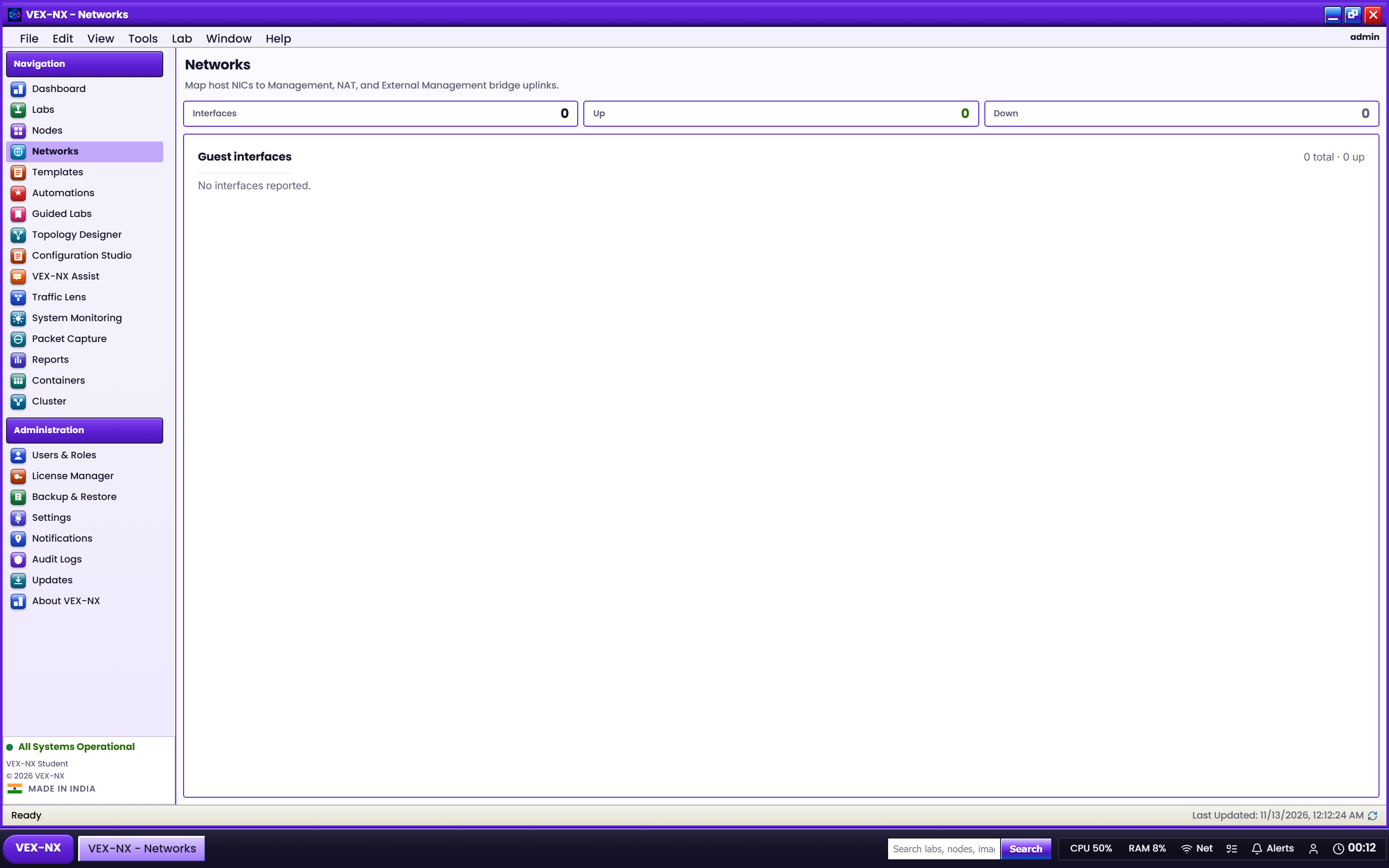
Map clouds to physical NICs under Infrastructure. Day-0 addressing was set in the installer; later changes use Management network.
Expected result
- Links show in Design
- After Start, Visualize / Traffic Lens can show link activity when the dataplane reports
- Guests that need DHCP on NAT receive addresses when NAT uplink works
If it fails
- Wrong NIC order on OVA -> fix mapping or re-import
- Bridge cloud with no host uplink -> pick a real NIC in Infrastructure
- Nested VMware without promiscuous / forged transmits on the lab vSwitch -> enable for bridged labs