Run labs
CSR and multi-NIC interfaces
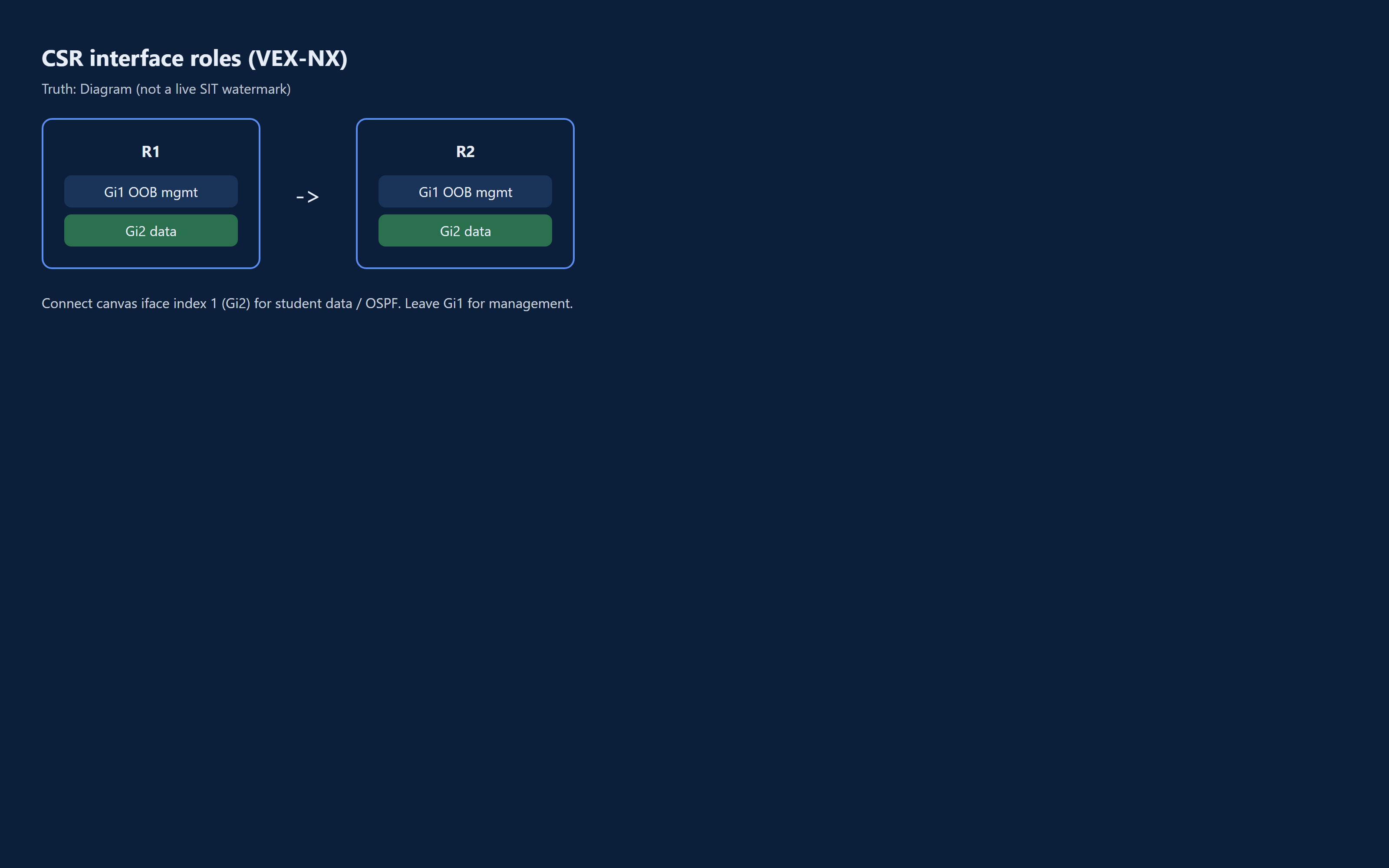
Wire Cisco CSR1000v / Catalyst 8000v style guests so **management** and **data** ports are not confused.
Goal
Wire Cisco CSR1000v / Catalyst 8000v style guests so management and data ports are not confused.
Why this matters
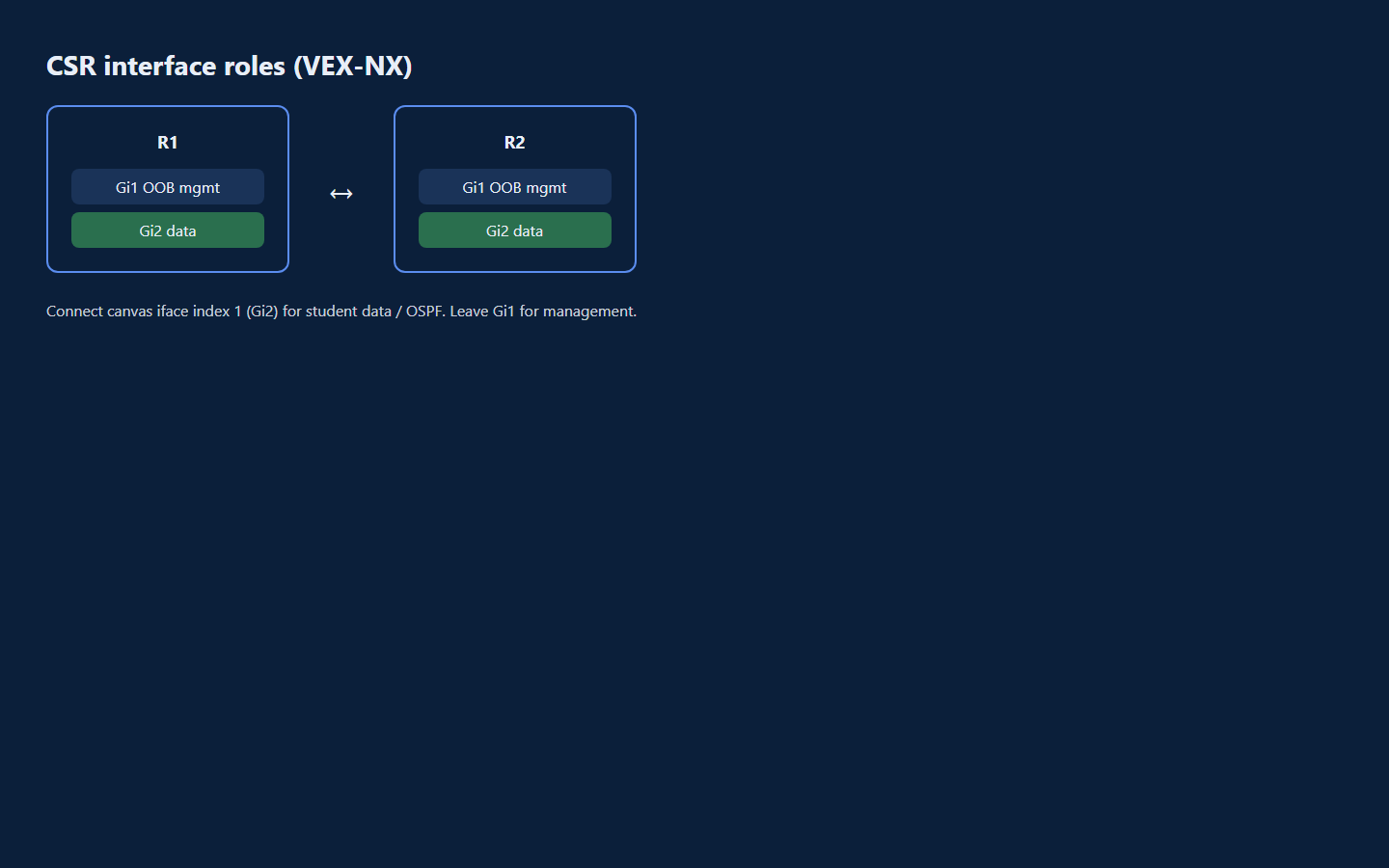
On CSR-family IOS-XE in VEX-NX:
| Canvas iface index | Typical CLI name | Role |
|---|---|---|
| 0 | GigabitEthernet1 | Out-of-band management |
| 1 | GigabitEthernet2 | First data port |
| 2+ | GigabitEthernet3... | Additional data ports |
Putting OSPF, BGP, or student lab addressing on Gi1 is a common mistake - that port is OOB, not the lab data plane.
GUI tutorial
Step 1 - Place two CSR-family nodes
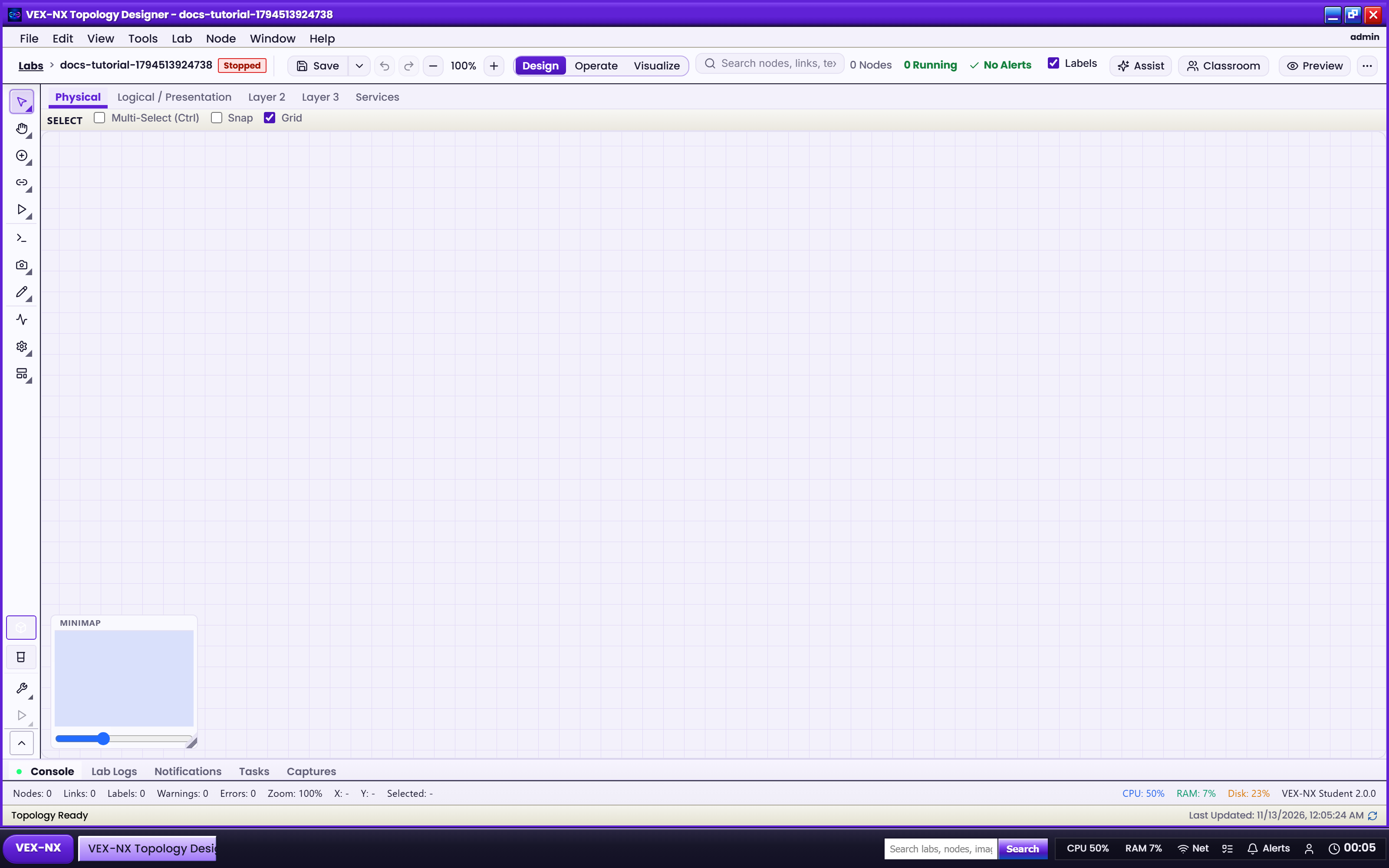
- Design -> add two CSR / C8000v templates
- Confirm each node has at least two interfaces
Step 2 - Wire Gi2 to Gi2 (data)
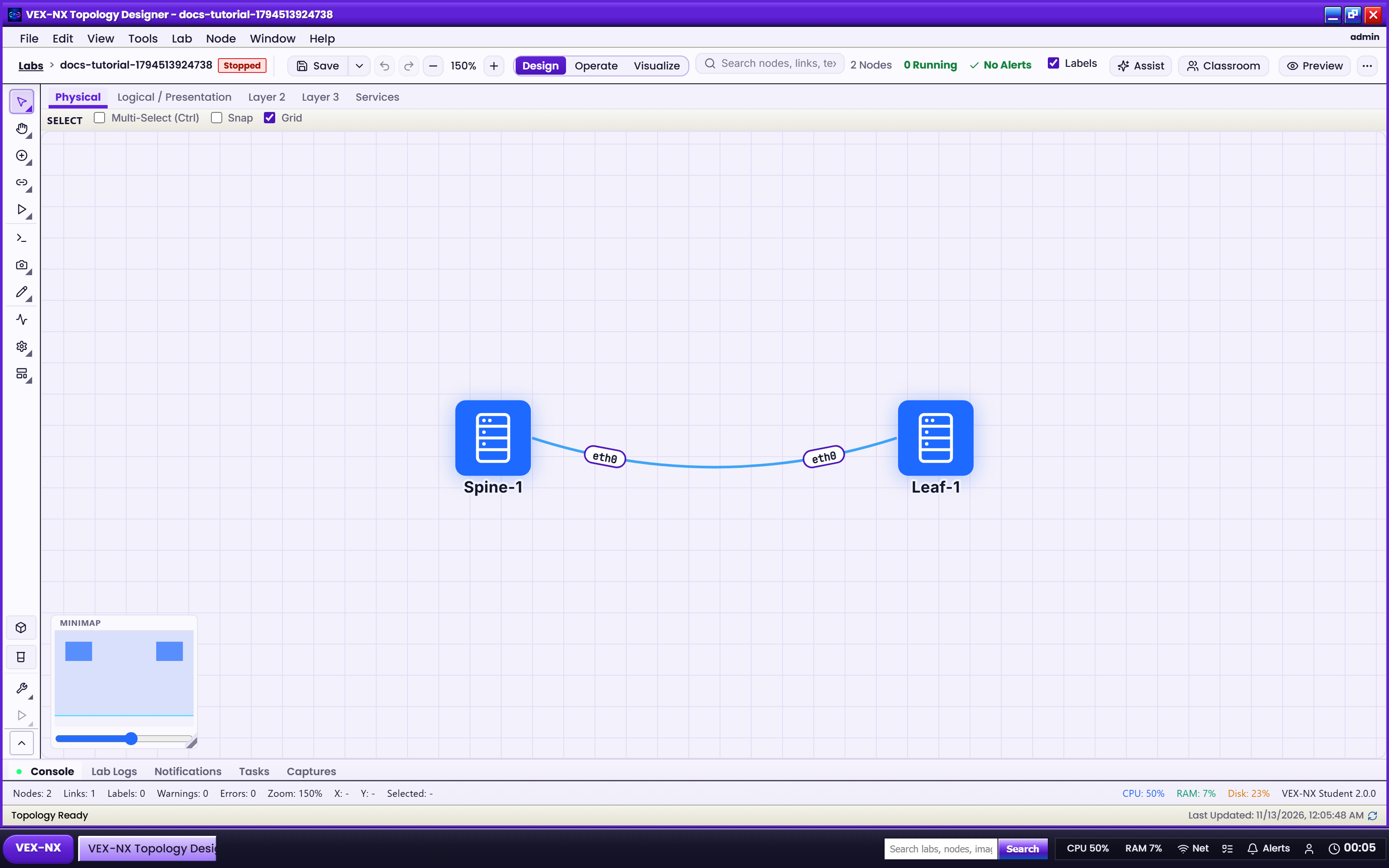
- Connect canvas iface index 1 on R1 to index 1 on R2 (Gi2-Gi2)
- Leave index 0 (Gi1) for management only
Step 3 - Confirm in inspector / CLI
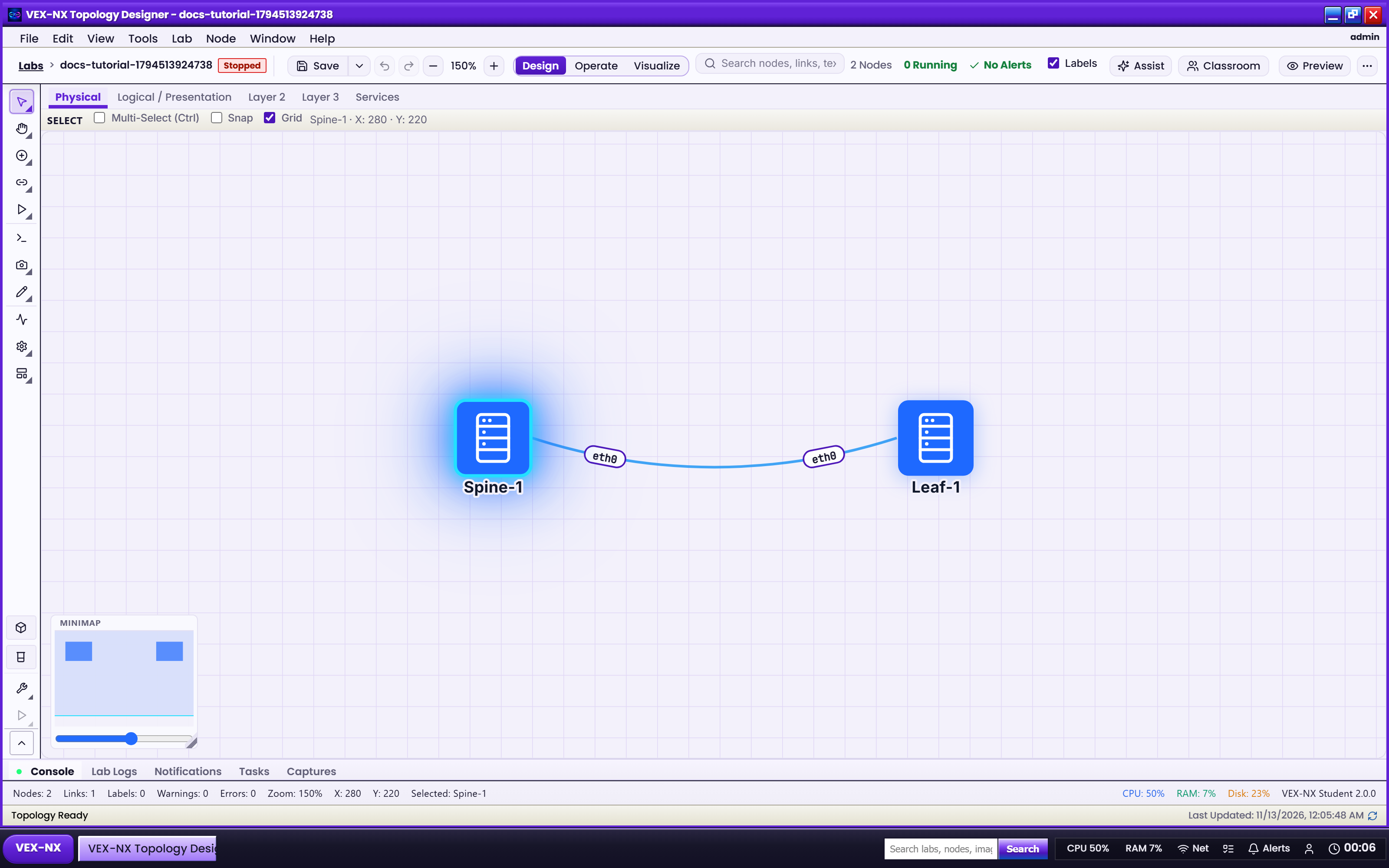
- Click a node -> Interfaces tab
- After Start, console
show ip interface brief- see Operate and consoles
Recipe: two-router data link
- Add two CSR (or C8000v) nodes in Design
- Connect index 1 to index 1 (Gi2 to Gi2) for the student data subnet
- Leave Gi1 unaddressed or for management only
- Put OSPF / addressing on Gi2 in ScriptPad or live config
Example: 10.0.12.0/24 on Gi2 between R1 and R2; Loopbacks for router-ids; Gi1 admin-down or unused.
Expected result
- Guest
show ip interface briefshows Gi1 and Gi2 - OSPF neighbors form on Gi2
- Ping across the data subnet succeeds
If it fails
- Only Gi1 appears -> confirm the node has at least two interfaces in Design and the lab was started after links were drawn
- OSPF stuck while addressing Gi1 -> move the config to Gi2 and redraw the link on iface index 1
- Nested QEMU labs need adequate RAM/CPU on the appliance (Sizing)