Administration
Infrastructure
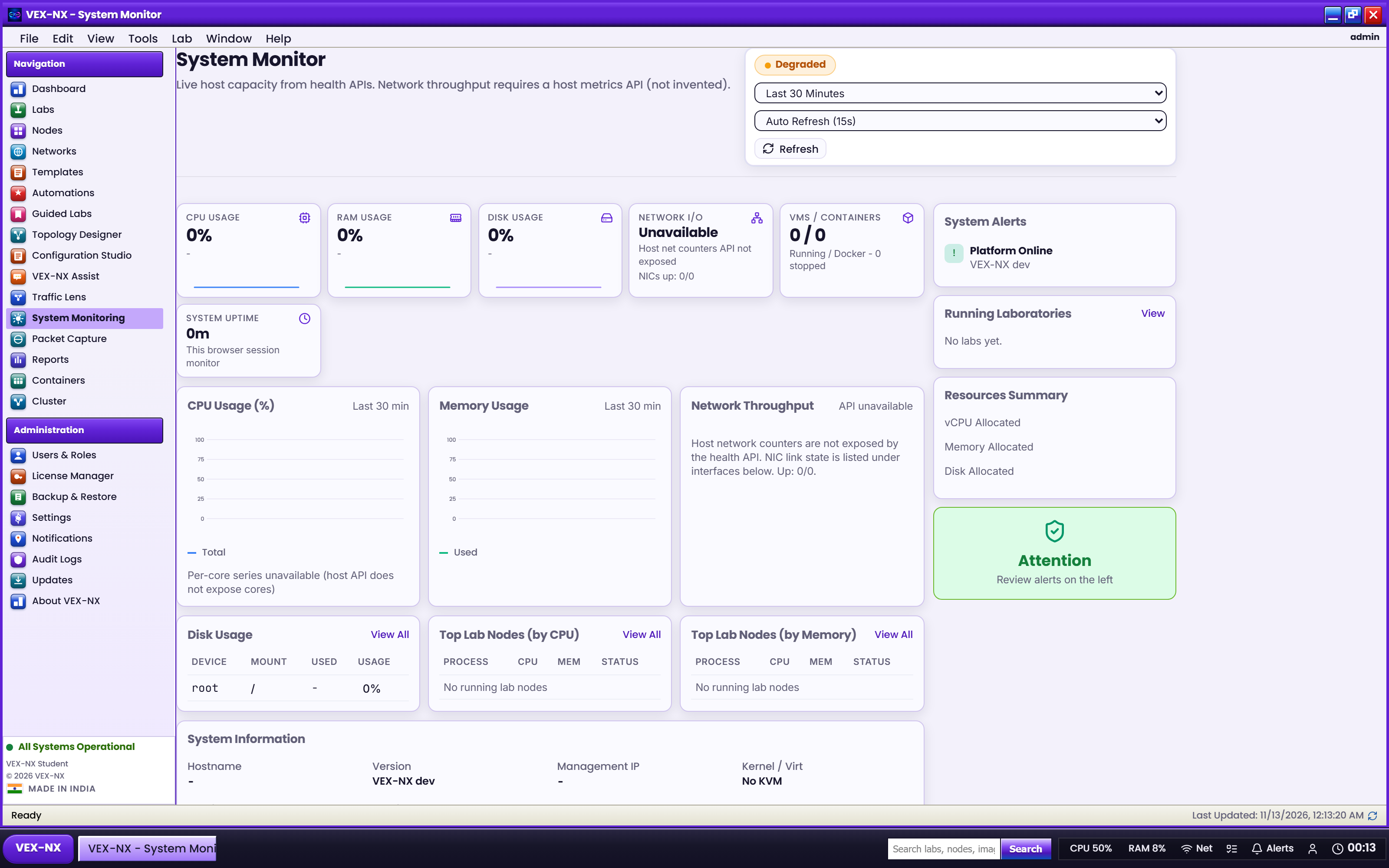
Use **Infrastructure** to understand host health and fix Management / NAT / Bridge uplinks before you blame a lab.
Goal
Use Infrastructure to understand host health and fix Management / NAT / Bridge uplinks before you blame a lab.
Why this page exists
The lab canvas only sees clouds and nodes. The appliance still needs:
- A reachable management IP (web UI + SSH)
- Working KVM / nested virt for QEMU guests
- Docker for FRR / Alpine Guided Labs
- Correct NIC mapping so Management / NAT / Bridge clouds attach to the right guest interfaces
Open it
Sidebar Operate -> Infrastructure.
What you see
| Block | Purpose |
|---|---|
| Host pulse | Hostname, version, management IPs, CPU / RAM, KVM, nested virt, Docker |
| Management network (admin) | DHCP or static on the management NIC (often ens160); reboot + console Keep to apply |
| Cloud uplinks | Map Management / NAT / Bridge to guest NICs (typically ens160 / ens161 / ens192) |
| Guest interfaces | Live NIC list with addresses and up/down |
Recipes
Confirm the host can run QEMU labs
- Open Infrastructure
- Confirm KVM is available
- On VMware, confirm nested VT-x is exposed (see System requirements)
- Refresh after hypervisor changes
Set a stable classroom IP
Follow Management network.
Fix NAT or Bridge "doing nothing"
- Note which guest NIC is Bridged / NAT / Host-only on the hypervisor
- Match those NICs under Cloud uplinks
- Save, then Start a test node linked to that cloud
Details: Networks and clouds.
Expected result
- You can open the UI at the management IP
- Host pulse matches what you expect for KVM / Docker
- Clouds in Design attach to the intended uplinks
If it fails
| Symptom | Fix |
|---|---|
| Cannot reach UI | Console Keep/Change management IP; check VMnet / port group |
| KVM red | Nested virt on host; reboot appliance |
| Docker red | Wait for first-boot; sudo systemctl status docker |
| NAT cloud useless | Wrong uplink mapping |
Related
- Management network
- Networks and clouds
- Home
- Maintenance