Get started
Introduction
VEX-NX is a multi-vendor network lab platform you download and run on your own VMware host or server.
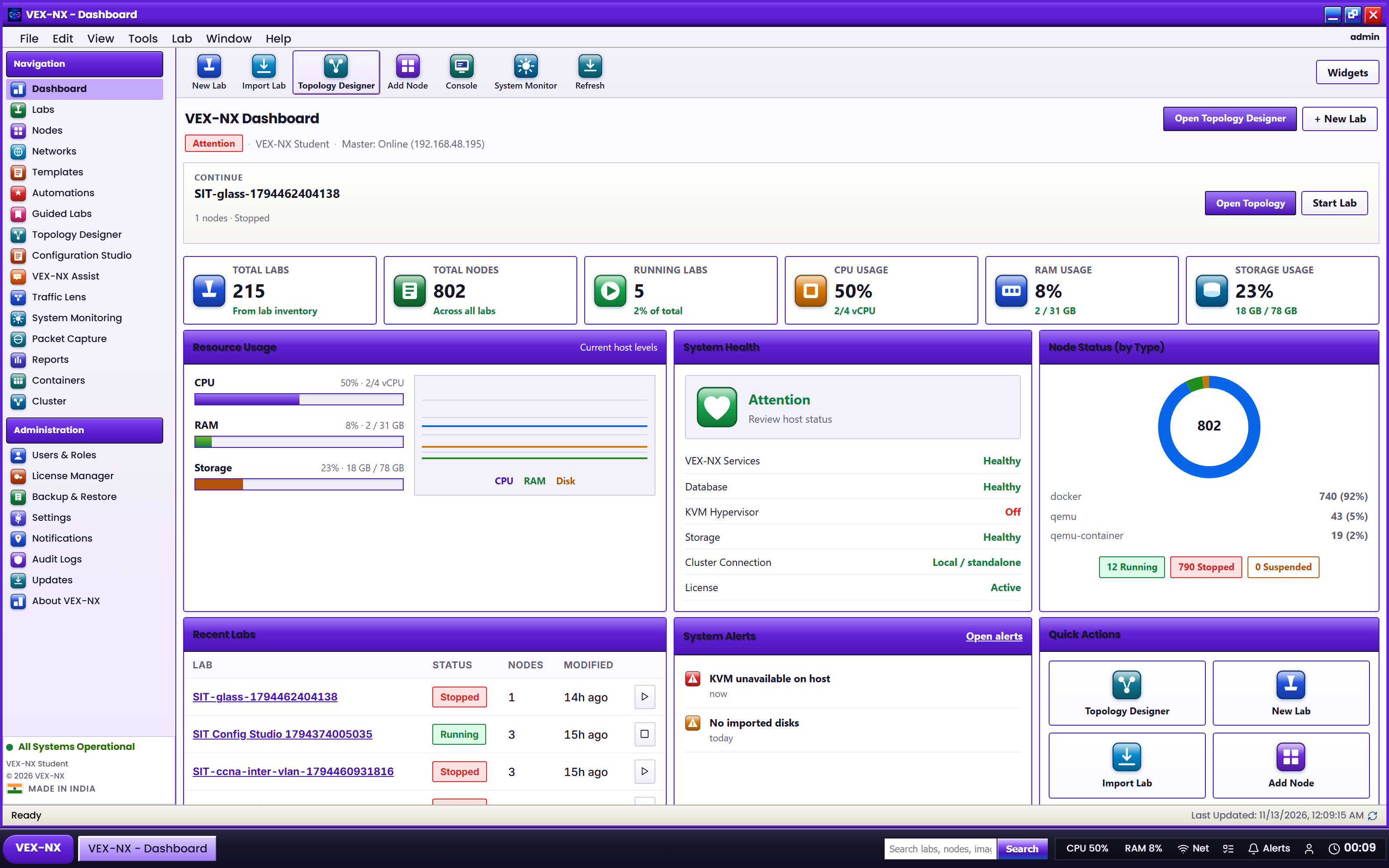
VEX-NX (Virtual Engineering & eXperimentation, Next eXperience) is a network and infrastructure emulation platform. You design topologies in your browser, attach the network operating system images you are licensed to use, start them on QEMU/KVM, Docker, IOL, or Dynamips, and open consoles without leaving the page.
VEX-NX ships as a VMware OVA and a bare-metal USB ISO. You install it on your own infrastructure and your labs run there. There is no hosted or cloud version.
What you can do
- Build labs with routers, switches, firewalls, Linux, and Windows guests on one canvas.
- Start from a Guided Lab, a blank canvas, or Generate Lab from pasted running configs.
- Open HTML5 serial or VNC consoles, or hand off to SecureCRT and PuTTY.
- See traffic with Traffic Lens, capture packets on any link, and inject delay, jitter, or loss.
- Automate with Configuration Studio, Automation Studio, the REST API, and an MCP tool catalogue for AI agents.
- Use Assist to draft labs and configs from plain language.
Who it is for
| You are | VEX-NX helps you |
|---|---|
| A student | Practise multi-vendor routing and switching for free, with Guided Labs to follow. |
| A network or security engineer | Rebuild part of production from configs and test a change first. |
| An instructor | Share labs with a class; Enterprise adds timers, a dashboard, and grading. |
| An automation engineer | Drive labs from scripts and agents over the API. |
What VEX-NX does not do
Important
VEX-NX does not include proprietary images from Cisco, Juniper, Fortinet, Palo Alto, or other vendors. You import disk images you are licensed to use. FRRouting and Alpine are included so you can start without any vendor download.
- It is not a production network controller or SDN orchestrator.
- The free Student edition is capped at 5 concurrent labs, 100 nodes per lab, and 1 user, and does not include classroom timers or LDAP, SSO, and RADIUS.
OVA or bare metal?
| VMware OVA | Bare-metal USB ISO | |
|---|---|---|
| Runs on | VMware Workstation 14+ or ESXi 6.5+ | A physical amd64 server |
| Nested QEMU guests | Needs VT-x exposed to the VM | Native KVM, best for heavy guests |
| Software on day one | Same | Same |