Observe and troubleshoot
Visualize, Present, and Preview
Use **Visualize** lenses for demos and checks, and know how **Present** differs from **Preview**.
GUI-guided tutorial for Visualize lenses. Traffic details: Traffic Lens. Gallery: Visualize, Traffic, and Present.
Goal
Use Visualize lenses for demos and checks, and know how Present differs from Preview.
Why Visualize exists
Design edits topology. Operate powers nodes. Visualize is for watching health, traffic, validation, and presenting without accidental edits.
Legacy docs called Observe / Validate / Present top-level modes. Today they are lenses under Visualize.
GUI tutorial
Step 1 - Switch to Visualize
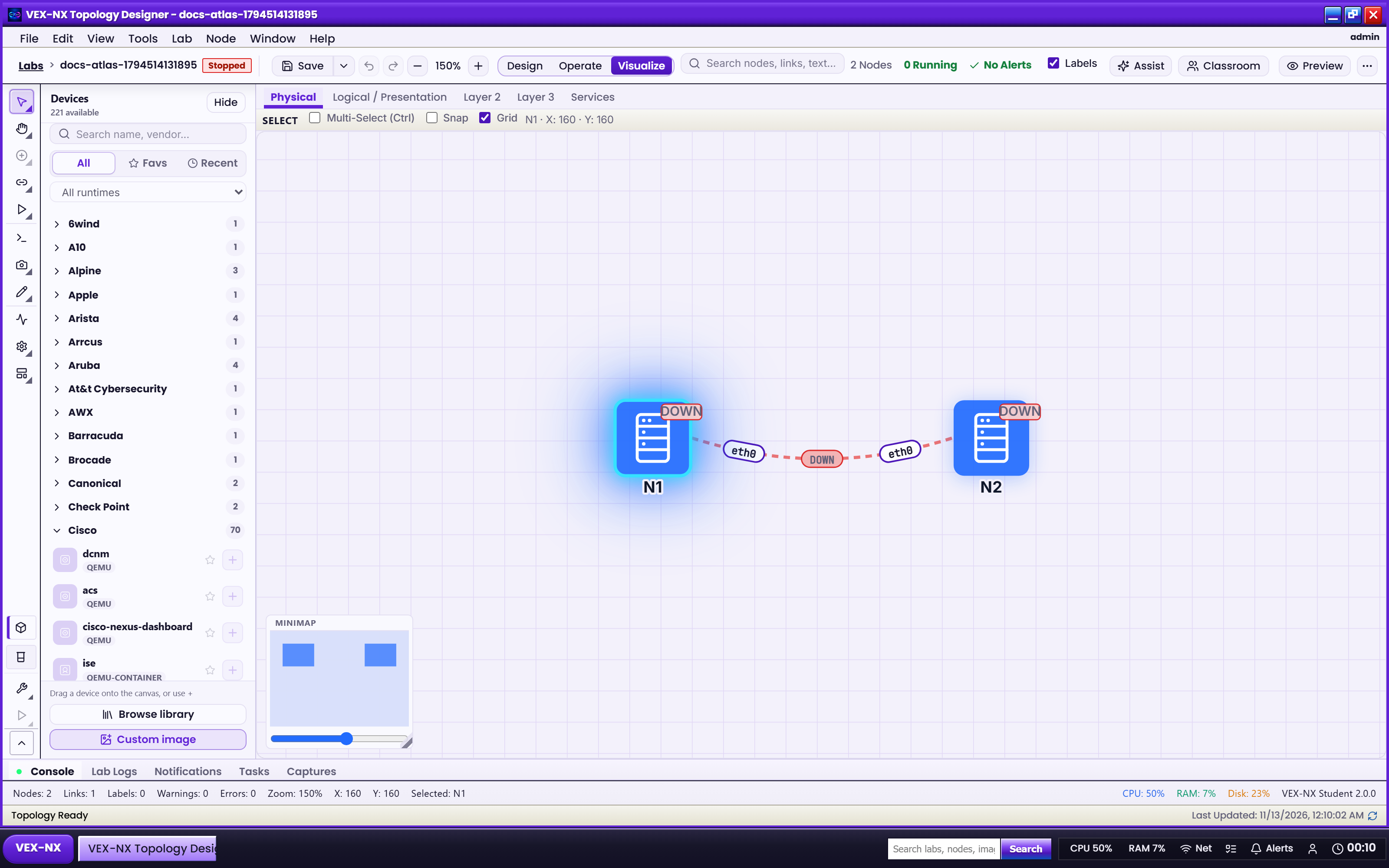
- Open a lab
- Click Visualize on the workspace mode switch
- Confirm Visualize chrome (tool rail / More lenses)
| What you see | Visualize mode active |
| Expected | Mode button highlights Visualize |
Step 2 - Open Validate
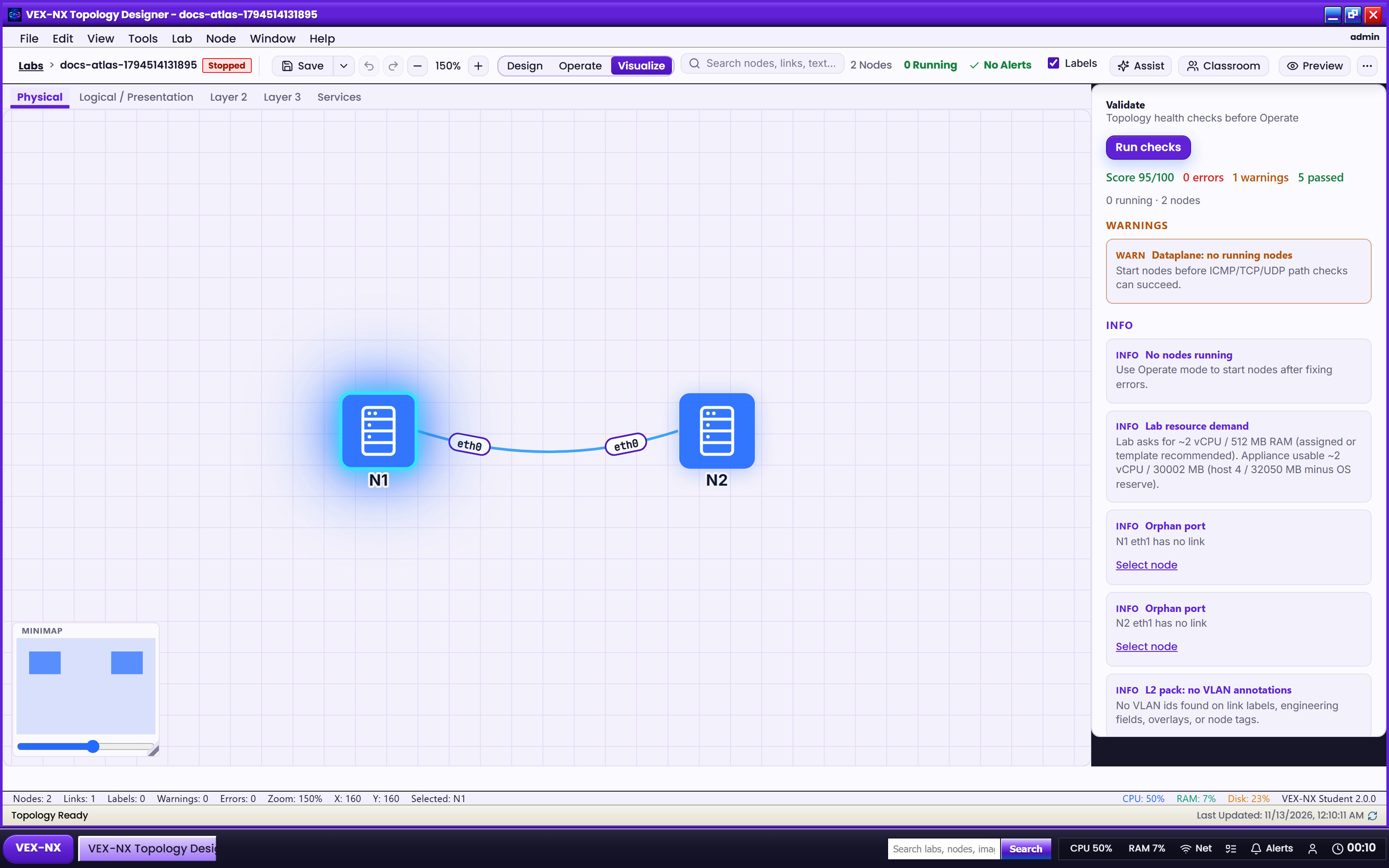
- More -> Validate (or Validate on the tool rail)
- Read findings beside the canvas
Step 3 - Protocol adjacency (optional)
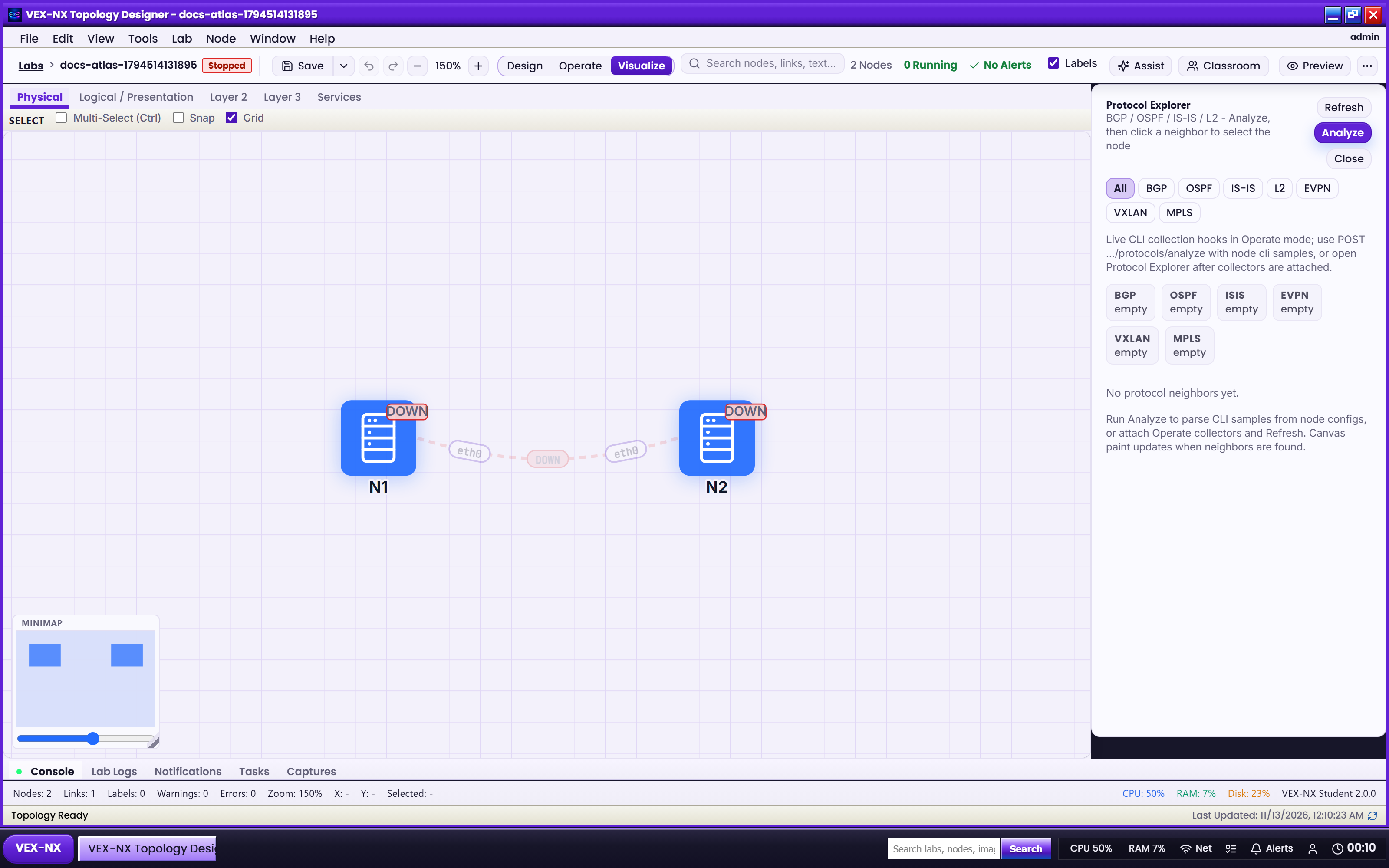
- More -> Protocol adjacency
- Use for teaching relationships without leaving Visualize
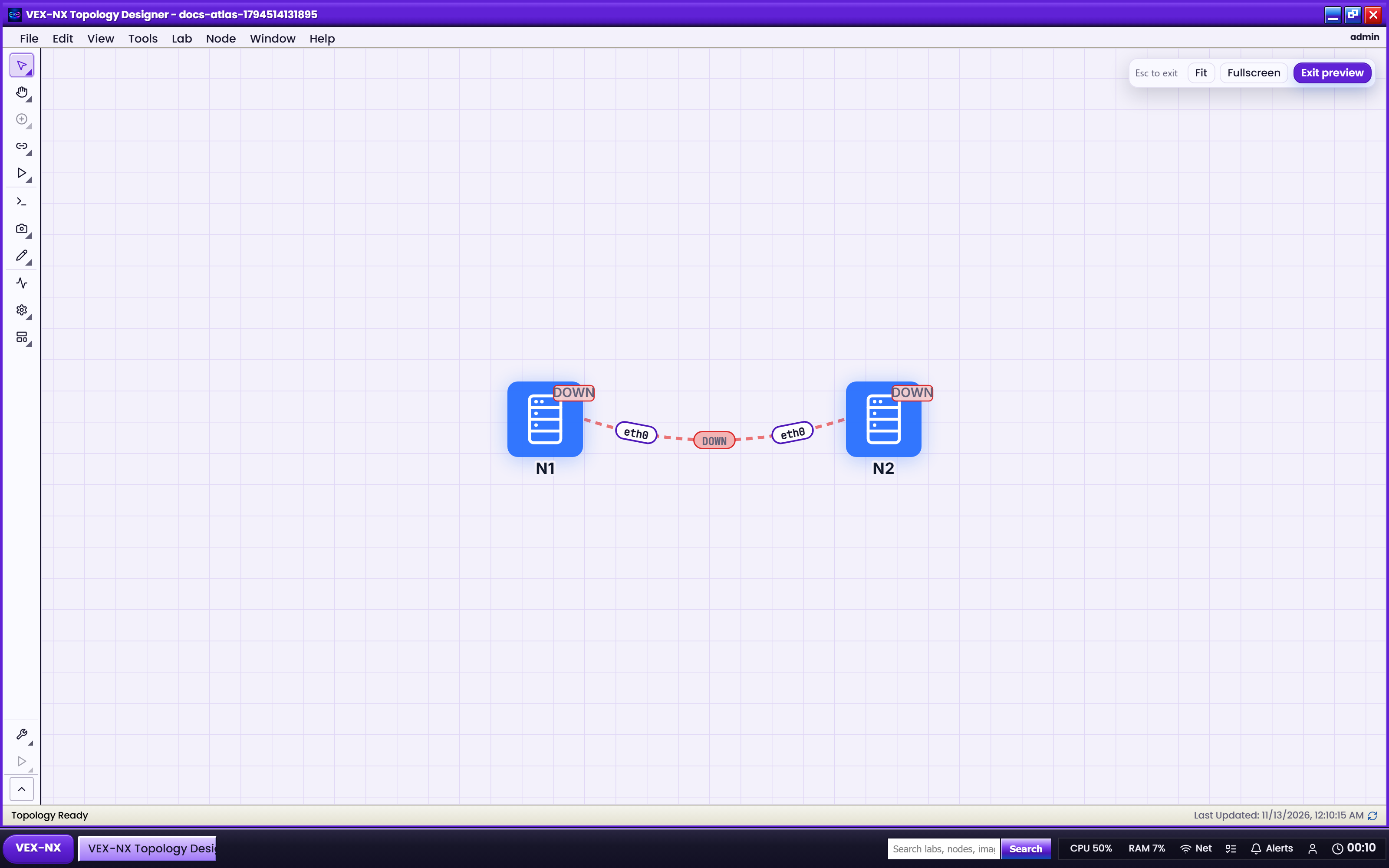
Step 4 - Present lens (clean demo)
- More -> Present
- Edit chrome hides; topology stays visible
- Press Escape to leave Present
| What you see | Clean Present HUD |
| Expected | Tool clutter gone; Escape restores workspace |
Step 5 - Preview (not Present)
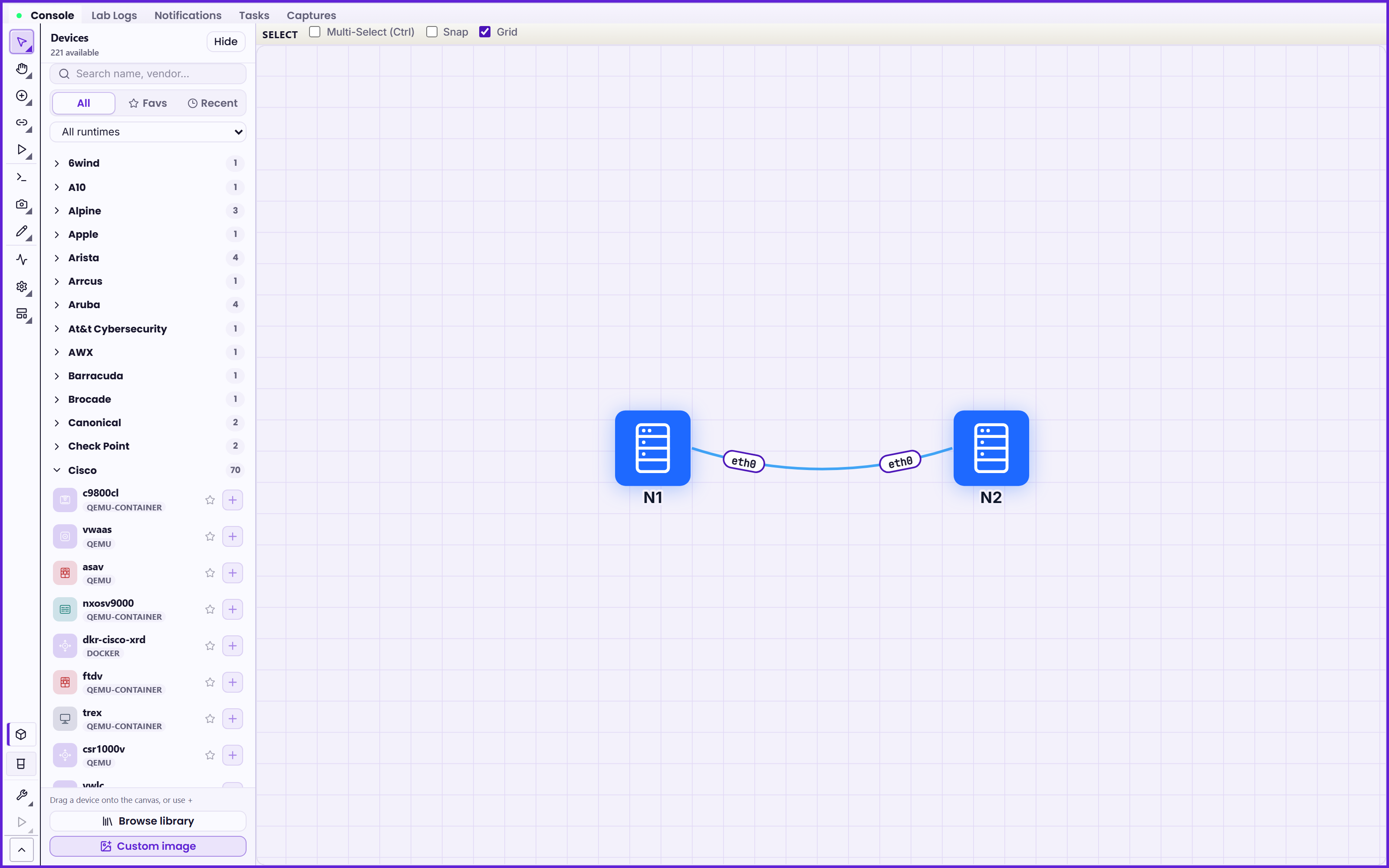
- Click Preview on the workspace bar
- Immersive Design - tools stay enabled
- Use when you need to fix a link mid-demo
| Control | What it does |
|---|---|
| Preview (bar) | Immersive Design - edit tools still work |
| More -> Present | Clean demo HUD - edit chrome hidden |
Step 6 - Traffic
Open Traffic for utilization / bandwidth - full walkthrough: Traffic Lens.
Expected result
- Present removes edit chrome; Escape restores the workspace
- Preview keeps Design tools at fullscreen scale
- Validate / Protocol adjacency open from More while mode stays Visualize
If it fails
- Present does nothing -> confirm mode is Visualize before More -> Present
- Still see template pickers -> you opened Preview, not Present
- Escape does not exit -> leave fullscreen first, then Overview
Related
- Traffic Lens
- Toolbars and More menu
- Operate and consoles
- Packet capture