Administration
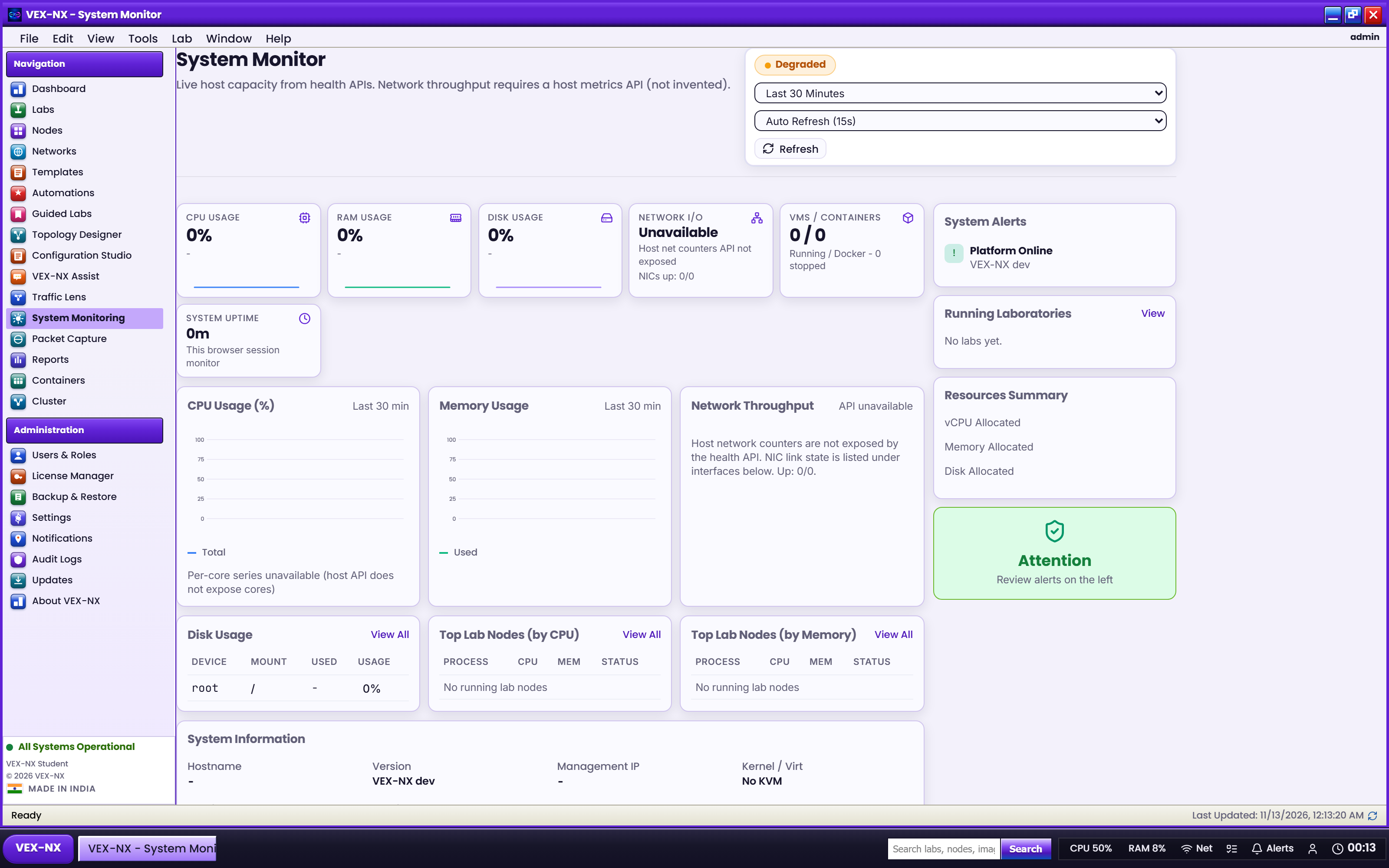
Sizing and upgrades
Pick CPU/RAM/disk for your class size and plan upgrades.
Goal
Pick CPU/RAM/disk for your class size and plan upgrades.
Sizing tiers
| Tier | vCPU | RAM | Disk | Notes |
|---|---|---|---|---|
| Light | 8 | 16 GB | 200 GB | Few Docker / small QEMU |
| Teaching | 16 | 32 GB | 250 GB+ | Mixed class |
| Advanced | 32+ | 64-128 GB | 500 GB-1 TB | vJunos / many QEMU |
Prefer bare-metal USB for deep nested QEMU.
Recipe: before a big class
- Confirm Launch Budget / free disk on Home
- Pre-import images
- Cap student quotas
- Smoke-test one Certified platform end-to-end
Upgrades
In-place update package (preferred for API/UI fixes)
See In-place updates. Example:
sudo vexnx-update apply /path/vex-nx-1.0.44-to-1.0.45-amd64.vxpFull OVA / USB (major releases or OS changes)
- Export / note management IP and licence file
- Deploy new OVA or re-flash USB ISO per vendor instructions
- Re-import images if the data disk was not preserved
- Re-activate licence
- Confirm Compatibility Certified chips and Docker seeds
Always read the release notes for the version you install (example artifacts: vex-nx-1.0.44.ova).
Related
- System requirements
- Maintenance
- Licence editions and activation