Assist and automation
Assist and OpenRouter
How Assist reaches language models, what administrators configure, and what data leaves the appliance.
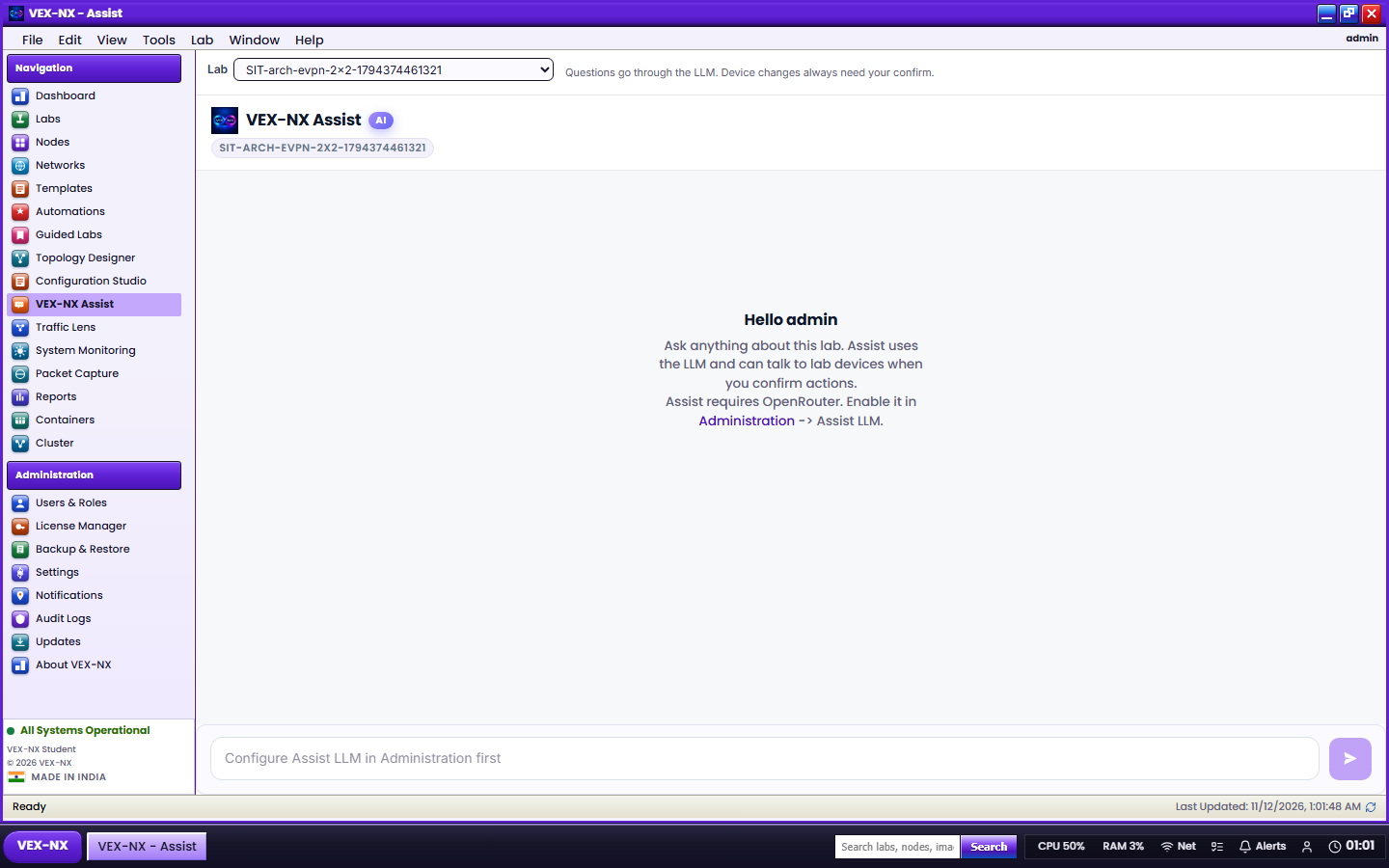
Assist uses OpenRouter as its model provider in current builds. Ollama is not supported for Assist.
How it is set up
- An administrator adds the OpenRouter key under Administration → Assist LLM. Users never enter a key in the lab UI.
- The models users can pick come from what the administrator configured or allowed.
- The appliance needs outbound HTTPS to OpenRouter.
What leaves your appliance
Important
When Assist is used, the prompts and any configs you give it are sent from your appliance to OpenRouter over HTTPS. Labs, images, and captures stay on your hardware. Redact passwords, SNMP communities, and customer addresses before pasting real configs.
Assist is optional. Every lab feature works without it, including Generate Lab's config parsing.
Caution
Never paste real OpenRouter keys into screenshots, tickets, or docs.