Classroom
Instructor dashboard
Run class-wide actions from **Classroom** studio: see sessions, broadcast a message, auto-grade, export PDF, and open Proctor.
Goal
Run class-wide actions from Classroom studio: see sessions, broadcast a message, auto-grade, export PDF, and open Proctor.
Why a dashboard exists
The in-lab Classroom panel is for one topology. The dashboard is for the instructor who juggles many shared or timed labs in one session.
Open the dashboard
- Sidebar / apps -> Classroom, or
- Lab -> Classroom -> Open instructor classroom dashboard
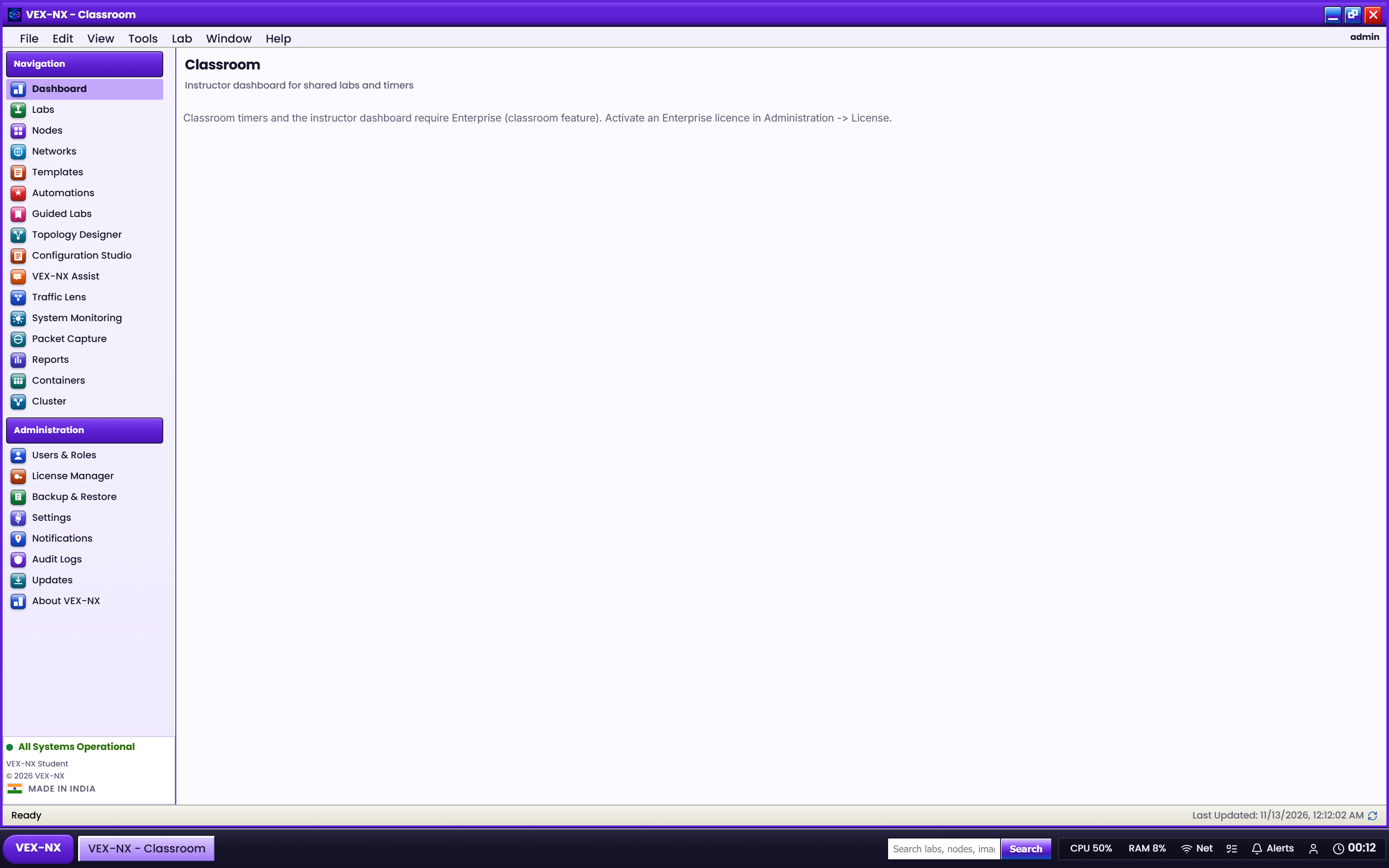
Requires the Classroom feature (Enterprise) and an instructor role (admin or editor with access).
Sessions list
The list shows labs that are shared with students and/or have an active class timer. Private labs with neither do not clutter the list.
| Column / field | Meaning |
|---|---|
| Lab name | Instructor topology |
| Students | Shared usernames (progress may show as invited until student copies exist) |
| Timer | Ends-at when a class timer is running |
| Status | Idle / active based on node run state |
Recipe: broadcast
- Select a session lab
- Enter a short message
- Send broadcast - students with share see a notification / lab message
Recipe: auto-grade
- Select the gold lab
- Run Auto-grade / grade students
- Scores come from lab validate against the instructor lab and matching student copies (same name or preset)
Recipe: Export PDF
- Select the session
- Export PDF downloads a printable classroom report (scores + invited rows)
Recipe: Proctor
- Open Proctor for the lab
- Review student rows: status, nodes up, optional score when a copy exists
Expected result
- Only classroom-relevant labs appear
- Broadcast, grade, PDF, and Proctor return successfully when entitled
If it fails
- Empty list -> share the lab or start a timer first
- 403 / upgrade message -> licence missing
classroom, or role is plain user - Grades always zero -> no running validate findings yet; Start nodes and re-run
Related
- Sharing labs and class timers
- Classroom for instructors