Assist and automation
REST API
Authenticate and call the VEX-NX HTTP API from scripts or AI tools.
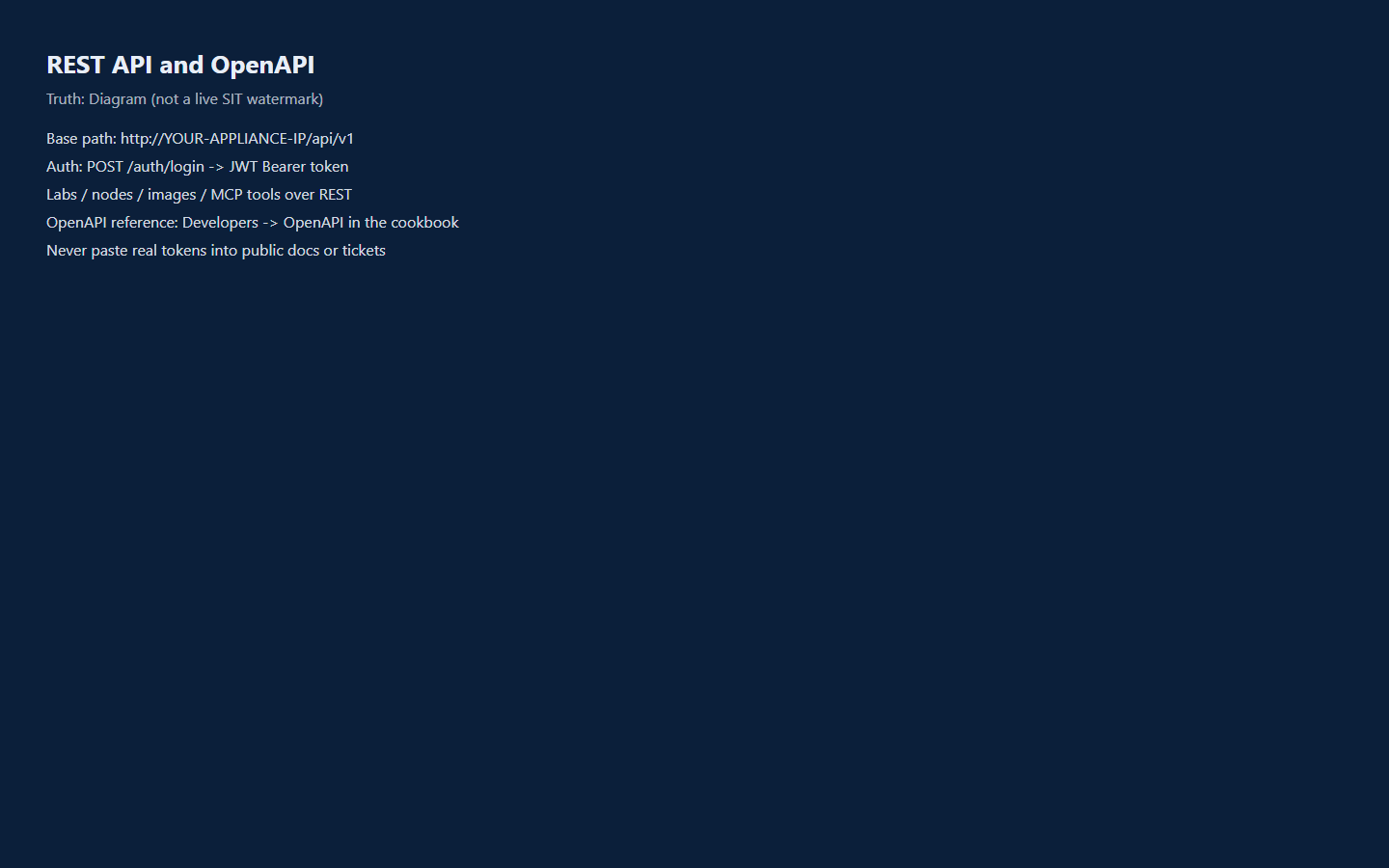
Goal
Authenticate and call the VEX-NX HTTP API from scripts or AI tools.
Base URL
http://<appliance-ip>/api/v1or https://<appliance-ip>/api/v1 when TLS is enabled on the appliance.
Replace <appliance-ip> with your management address. Do not commit real tokens or passwords into repos or docs.
Authentication
- Log in and receive a JWT:
POST /api/v1/auth/login
Content-Type: application/json

{
  "username": "admin",
  "password": "<your-password>"
}- Send the token on later calls:
Authorization: Bearer <token>Roles include admin, editor, and user. Lab ownership rules still apply.
First-login may require a password change on new appliances - complete that in the UI before automation.
Common resource groups
| Area | Examples |
|---|---|
| Health | GET /api/v1/health |
| Labs | GET/POST /api/v1/labs, GET /api/v1/labs/{labId} |
| Lab power | POST /api/v1/labs/{labId}/start, .../stop, .../wipe |
| Nodes | POST /api/v1/labs/{labId}/nodes, start/stop/wipe per node |
| Images / templates | GET /api/v1/images, GET /api/v1/templates |
| Consoles | HTML5 WS paths; external mint under .../console-external |
| Assist | POST /api/v1/assist/agent (NDJSON events); lab assist helpers |
| MCP tools | GET /api/v1/mcp/tools, POST /api/v1/mcp/call |
| Captures | /api/v1/captures* |
Exact paths evolve with releases. Prefer the OpenAPI reference checked into this docs set for a structured list.
Minimal examples
Health
curl -fsS "http://<appliance-ip>/api/v1/health"Login + list labs
TOKEN=$(curl -fsS -X POST "http://<appliance-ip>/api/v1/auth/login" \
  -H "Content-Type: application/json" \
  -d '{"username":"admin","password":"<your-password>"}' \
  | python -c "import sys,json; print(json.load(sys.stdin)['token'])")

curl -fsS "http://<appliance-ip>/api/v1/labs" \
-H "Authorization: Bearer $TOKEN"Start a lab
curl -fsS -X POST "http://<appliance-ip>/api/v1/labs/<labId>/start" \
  -H "Authorization: Bearer $TOKEN" \
  -H "Content-Type: application/json" \
-d '{}'Editions
Assist, MCP, capture, and import endpoints work on both editions (Student and Enterprise). Enterprise raises the lab / node / user limits that some create endpoints enforce, and classroom timer and LDAP endpoints require Enterprise. See Features.
Related
- OpenAPI reference
- MCP and AI tools
- Using Assist